
Your business
Read and share the public help center
Find instructions without signing in and choose the guide language and device.
Step by step
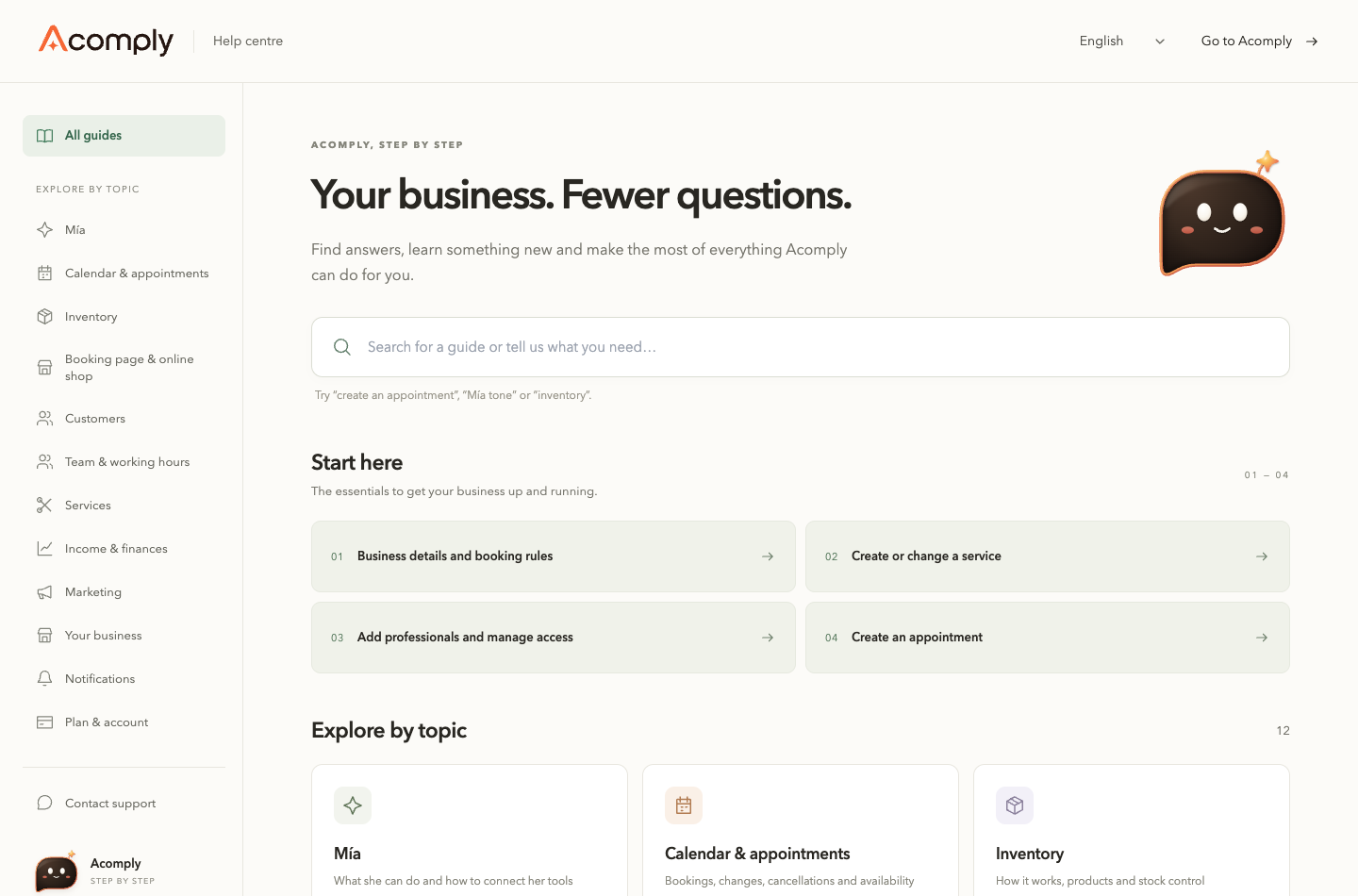
- Open app.acomply.co/help on the Acomply site. The public center requires no account or sign-in. It is a guide library; it has no AI chat for questions about your business.
- Choose Español, English or Português in the language selector. You can also open /en/help or /pt/help. The public site offers these three languages; this does not change your dashboard language.
- On the home page, search with task words such as “cancel appointment”. Open a result; if none appears, try fewer words or a different term. You can also browse topics and subtopics.
- Inside a guide, select desktop, mobile browser or mobile app to match where you use Acomply. This adapts the available instructions; it does not install the app or enable account features.
- Use the guide’s copy-link control to share instructions. If the browser cannot copy it, copy the address bar instead. First check that any search text in the address contains no private information.
- Links to dashboard screens may ask you to sign in and retain your role and plan permissions. Reading a guide does not enable a feature. On a phone, open the help-center menu to find topics and contact.
- If an answer is missing, open Contact: it offers Acomply support on WhatsApp, +57 322 272 9075. Describe the task, screen and device without passwords, access codes or customer data.
Feature availability depends on your plan and permissions.